
📱 Screenshots
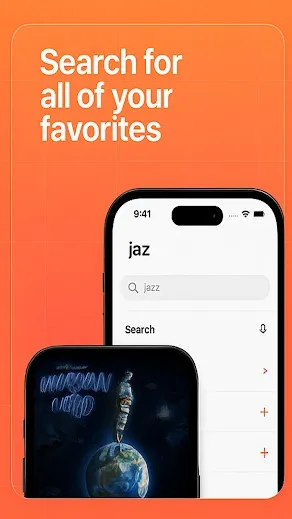
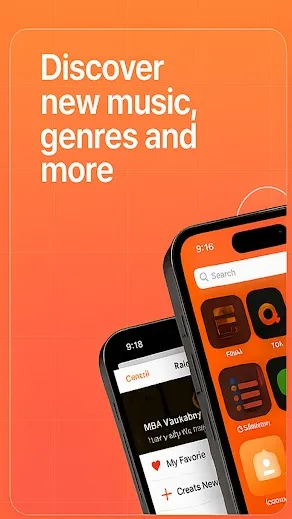
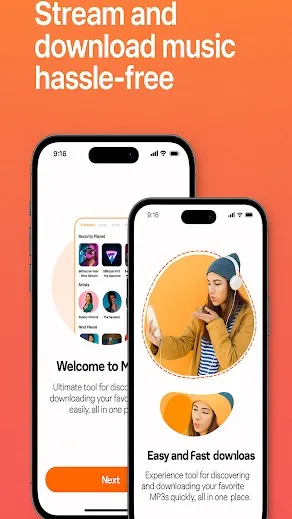
Swipe to explore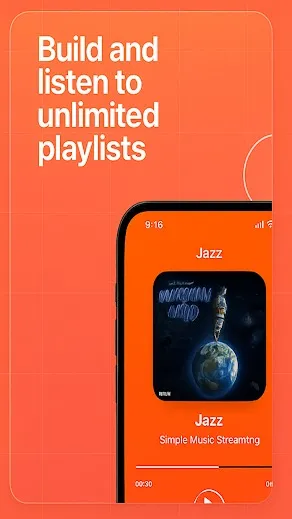
About Musi - Stream Music
Key Features
- Free music streaming without subscription
- Simple and user-friendly interface
- Background play while using other apps
- Create and manage custom playlists
- Lightweight app with smooth performance
Musi - Stream Music: The Complete Guide
Do you love music? Do you hate paying for it?
If you said "yes," you probably know about Musi. It is a very famous app. People with iPhones love it. It lets you listen to any song on YouTube. But you do not have to watch the video. You can lock your phone. The music keeps playing. And best of all? It is free.
But right now, things are confusing.
This guide is for you. We will explain everything. We will use simple words. We will keep it safe.
What is Musi?
Musi is a simple app. It was made for the iPhone.
Think of it as a special window for YouTube. When you use the real YouTube app, the music stops if you close the app. When you use Musi, the music does not stop.
You can make playlists. You can sort your songs. It feels like Spotify or Apple Music. But you do not pay a monthly fee.
This made it very popular. Millions of people used it every day. But this popularity caused big problems.
The Big Problem: Musi is Gone (For Now)
In late 2024, something bad happened. Apple removed Musi from the App Store.
Why did they do this? It is about money and rules.
Can I still use it? If you have it on your phone right now, yes. It should still work. Do not delete it! If you delete it, you cannot get it back easily.
If you buy a new iPhone today, you cannot download Musi. You have to wait. Or you have to use a different app.
The Android Truth: Does Musi Exist for Android?
This is the most important part of this guide. Please read carefully.
There is no Musi app for Android.
The makers of Musi only made it for Apple devices. They never made an Android version.
If you go to the Google Play Store, you will see apps with similar names. They might be called "Music," "Musie," or "Musi Stream." These are not the real app. They are just copycats. They are usually full of bad ads.
Warning: Stop Looking for "Musi APK"
You might want to search Google for "Musi APK download." Do not do this.
An "APK" is an installation file for Android. Since the real app does not exist, any file you find is fake.
What is inside these fake files?
Do not trust websites that say "Musi for Android." They are lying to you.
The Solution: Better Apps for Android
Do not be sad. Android is actually better for this than iPhone.
You do not need Musi. There are apps that are safer, faster, and completely free. They do the exact same thing. They play YouTube music in the background.
Here are the best ones for 2025.
1. RiMusic (The Best Choice)
There was an old app called ViMusic. It was great. But the maker stopped working on it. RiMusic is the new version.
RiMusic is open-source. This means the code is public. It is safe. It is not in the Play Store, but it is easy to get (we will explain how below).
2. YMusic
YMusic is a classic. It is very strong. It focuses on saving data. It only plays the sound, not the video. This saves your battery. It saves your internet data plan.
3. Namida
Do you want your app to look beautiful? Try Namida. It is very pretty. It has cool animations. It works with YouTube. It also plays music files you have on your phone. It is a very modern choice.
4. InnerTune
InnerTune is another great option. It looks just like the real YouTube Music app. But it has no ads. It is very simple to use.
How to Install These Apps (Sideloading)
You cannot find RiMusic or YMusic in the Google Play Store. Google does not like apps that block YouTube ads.
You have to "sideload" them. It is easy.
Step 1: Get F-Droid F-Droid is like a Play Store for free, open-source apps. It is very safe.
Step 2: Search for the App Open F-Droid. Search for "RiMusic" or "InnerTune."
Step 3: Install Tap "Install." Your phone might ask for permission. Say "Yes."
Alternative Way (GitHub) You can also go to "GitHub." This is where developers keep their code. Search for "RiMusic GitHub" on Google. Look for the "Releases" section. Download the latest APK file.
Safety Checklist
The internet can be tricky. Use this checklist to stay safe.
Frequently Asked Questions (FAQ)
1. Will Musi ever come back to the App Store? We do not know. They are fighting in court. It might take months. It might take years. It might never happen.
2. Is using these apps illegal? Using them is generally okay for you. You are just watching YouTube videos in a different way. But the apps get in trouble because they break YouTube's rules. That is why they get removed.
3. Can I transfer my Musi playlists to Android? This is hard. Musi does not have an "export" button. You usually have to make your playlist again manually. It takes time, but it is worth it.
4. Why is my battery draining so fast with Musi? Musi is technically playing a video, even if you don't see it. This uses power. The Android apps like RiMusic or YMusic are smarter. They only pull the audio. This saves your battery.
5. Which app is best for offline listening? YMusic and RiMusic are best for this. They let you download songs easily. You can listen on a plane or in the car without WiFi.
Summary
Enjoy your music!